
In this article
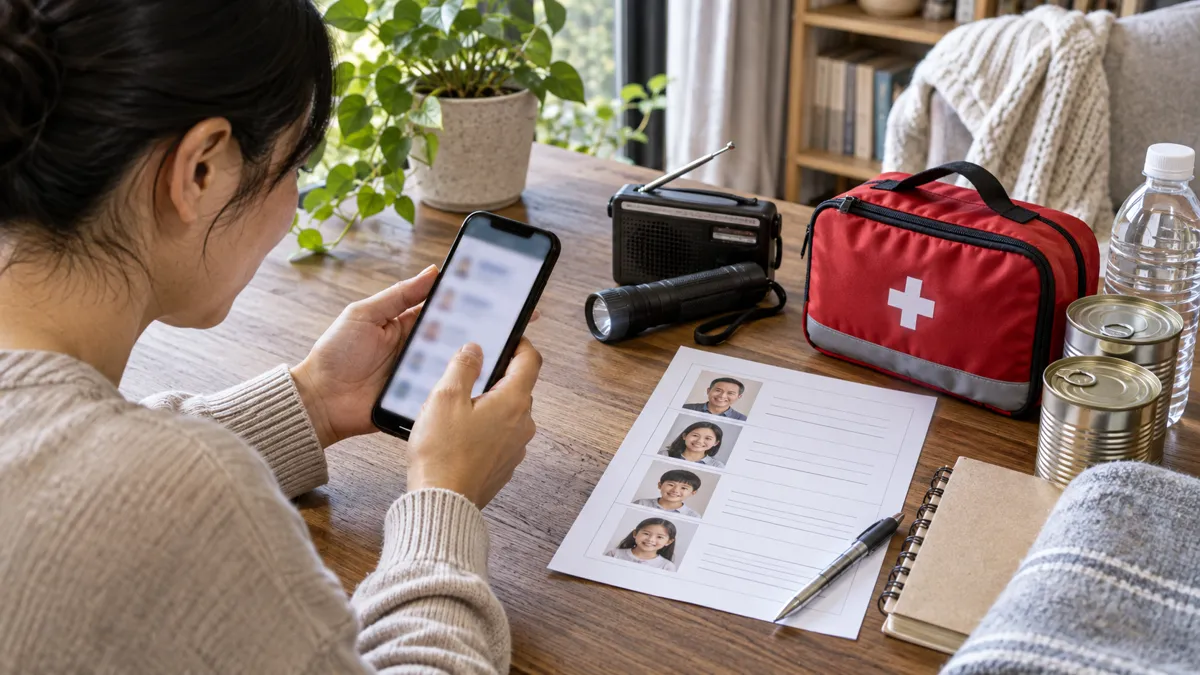
A family plan is easier to use when essential information is gathered in one place: people to be reached, meeting places, special needs and tasks to be prepared. The PrépaCivile project is part of this preparedness process in Quebec. A digital tool can facilitate this organization, provided you know its possibilities and limitations.
A tool for the family plan
The starting point is the family and its environment. Who should be reached if the phones are malfunctioning? Who can help a person in need of assistance? Where to go if housing needs to be evacuated? These decisions are made together before an emergency; an application then helps to find and update them.
To find out how to access and what functions are currently proposed, consult the Page Application of PrépaCivileCheck the version used and its instructions before making it a component of your plan.
Prevent, act and recover
Before: organize useful information
Identify the risks of your area, the contact information of the municipality, the needs of each member of the household and the resources actually available. A list of equipment becomes useful when it takes into account medications, glasses, mobility, children and animals. Start with what you have, then gradually fill in the gaps.
During: finding a simple decision
In stressful situations, a short readable list is better than a very long file that no one knows. Official instructions and emergency services remain your reference for protective measures. A personal application does not replace a public alert or a call for help.
After: follow the steps
The return also requires the organization: reinstatement instructions, contact details of the insurer, appointments, receipts and tasks to distribute. Choose a means of follow-up that all managers can consult. Documents containing medical, financial or identity information require appropriate protections.
Try it before you depend on it.
- Open the essential information with an available connection, and then check what actually remains accessible in airplane mode.
- Try sharing with a loved one and confirm what they are receiving. Data stored on your phone is not automatically transmitted to someone else.
- Check the permissions, backup, deletion methods and how to recover your information in case of loss of the phone.
- Prepare a backup power supply and a hard copy of essential contacts and decisions.
- Repeat the exercise after a major update or family change.
The satellite location of a phone and the transmission of its position are two different functions. A downloaded card can remain searchable without a network; sending a status or synchronizing between devices depends on the means of communication actually available. Check each function rather than assuming that an offline mode covers them all.
Install and use with caution
Use the distribution links on the official page. A security warning is worth checking out: don’t disable your device’s protections just to complete an installation. If in doubt, postpone the installation and ask for details through the official contact details of the project.
Limit retained information to what is necessary. Decide with your loved ones who can see contact information, location and health information. Keep recovery codes and sensitive copies in a protected location, separate from the phone.
A 20-minute family exercise
Choose a simple situation: you must leave the home while one of the family members is elsewhere. Without sending a false alert, find the contacts, the meeting point and an alternative solution. Write down the missing information and correct it together. A person who does not use the app must also be able to follow the plan.
You can complete this process with My preparedness review and the Government of Canada Emergency Plan Form. The goal is an understood and tested plan, whether the phone is available or not.